Uplora AI
A new, interactive way to experience medical events: session recordings become a branded feed of short clips, summaries and slides, with an AI assistant on hand.
Watch the walkthrough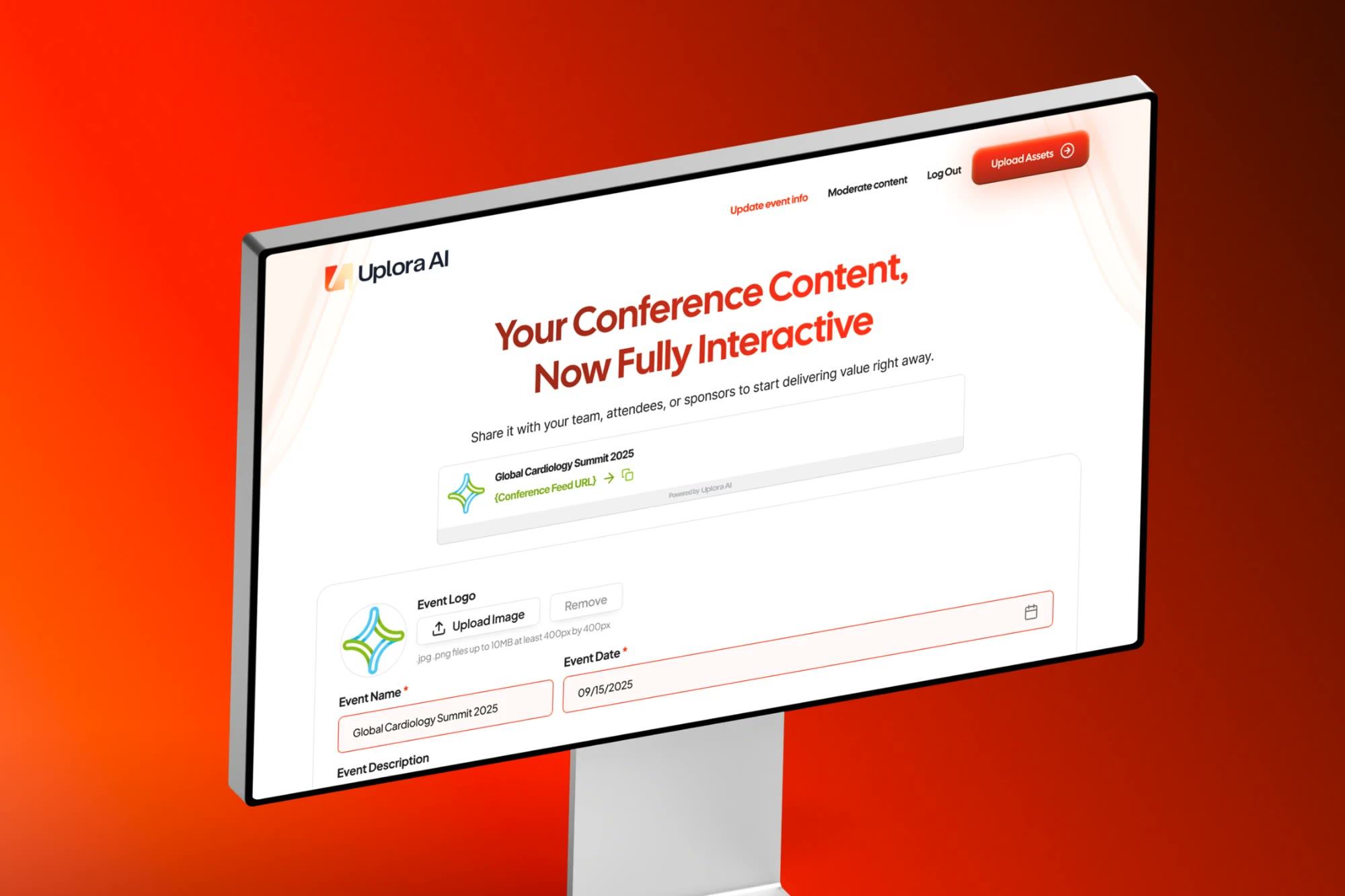
The product
Uplora AI turns conference content—videos, audio recordings and slide decks—into a branded, scrollable feed of short, easy-to-digest pieces, so a one-hour keynote becomes something attendees actually use.
The challenge
Medical conferences produce more content than attendees can take in:
- Keynotes and sessions live on as hour-long recordings
- Video, audio and slides sit in separate places and formats
- Organizers need to publish without a production team
- Attendees need a fast way to find the sessions and speakers that matter
Any solution would need to keep organizers in control of what gets published, and make every event feel like its own.
Our approach
FSE Media designed Uplora AI as two connected experiences: one for the people running the event, one for the people attending it.
Setup in minutes
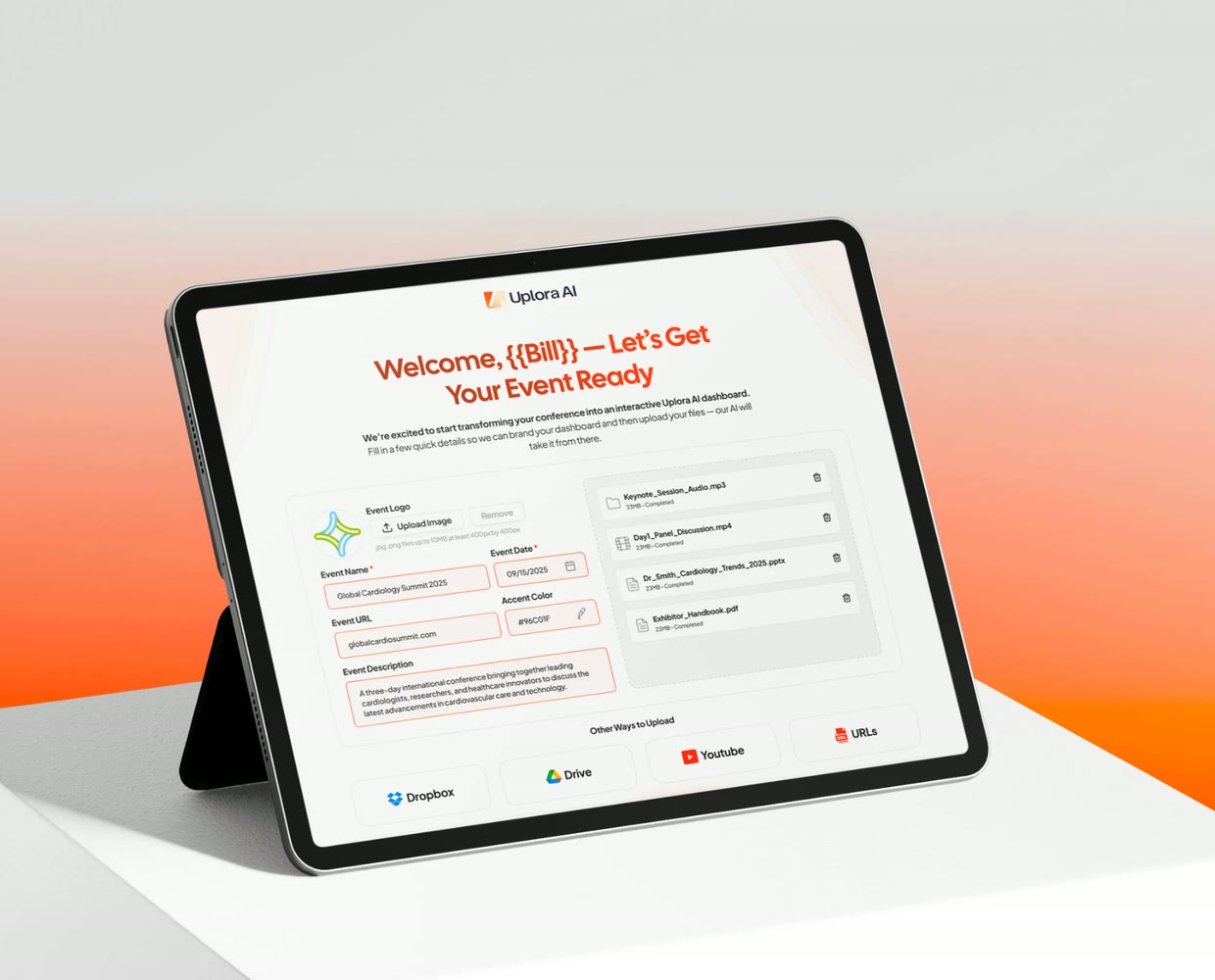
From the invitation email to the first upload, organizers brand their event with a name, description, logo and accent color.
AI proposes, people approve
Uplora AI cuts long recordings into short clips, but nothing reaches the feed until an organizer approves it.
A feed built around the event
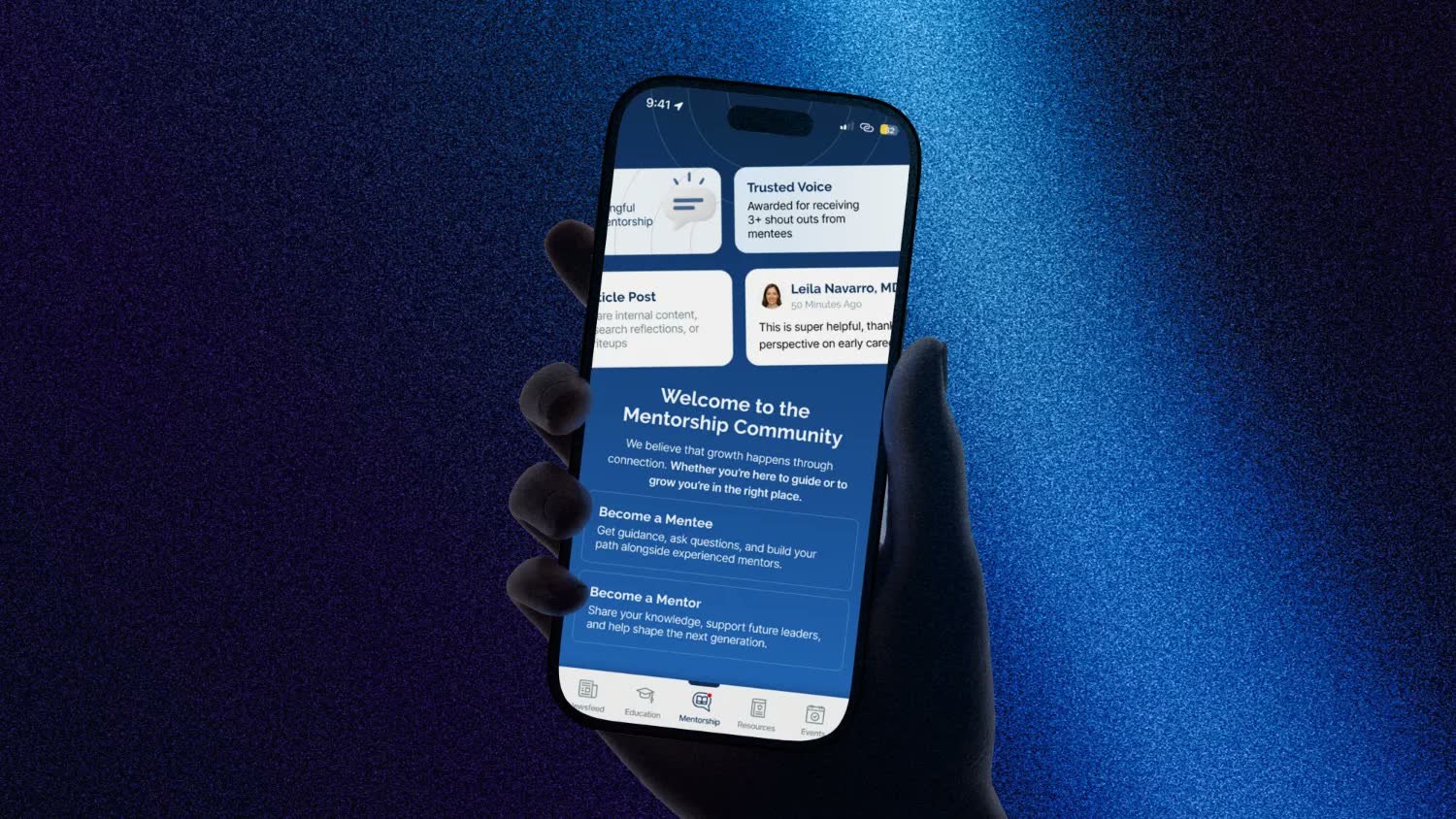
Every conference gets its own branded feed, with filters and an AI assistant always within reach.
How it works
Set up the event
Organizers get an invitation email with a setup link and update their password on first login, so they can come back and make changes at any time. They add the event name, description and logo, and pick an accent color that styles the attendee feed.
Upload anything
Videos, audio recordings and slide decks go in through a drag-and-drop widget, or straight from Google Drive, Dropbox, YouTube or a direct URL.
AI does the cutting
When a long video is uploaded—a one-hour keynote, for example—Uplora AI identifies its key sections and generates short clips. A confirmation email follows with an upload summary and links to the dashboard and the attendee feed.
Moderate every snippet
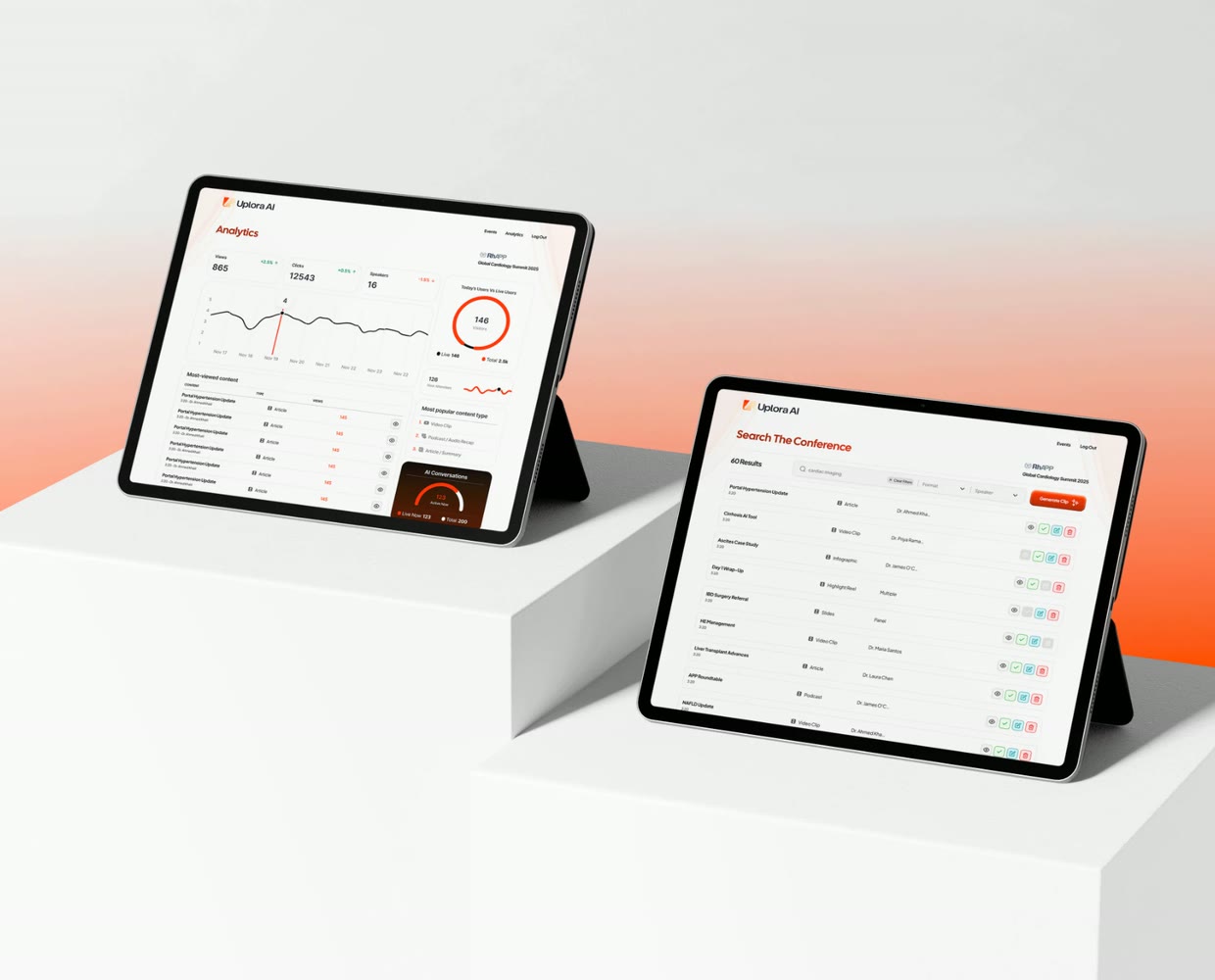
On the moderation page, organizers preview each AI-generated snippet and approve it into the feed, decline it, or leave it pending for later.
Open the doors
Attendees unlock the feed with a code from their ticket or welcome email. Non-attendees come in through a paywall or a lead capture form.
Explore the feed
Attendees scroll a feed in the conference’s branding, filter by media type or speaker, and open video clips, slide decks, summaries or infographics. The Uplora AI widget answers questions and clarifies concepts in real time.
At a glance
4 sourcesGoogle Drive, Dropbox, YouTube and direct URLs, plus drag and drop
3 statesEvery AI snippet is approved, declined or left pending
4 card typesVideo clips, slide decks, summaries and infographics
More case studies
Continue exploring our work
Have a project like this in mind?
Tell us what you want to build or produce. We’ll help you work out what you need and how to get there.