GHAPP Peer Network
A mobile community inside the GHAPP app where peers find each other, ask clinical questions and share resources, built for everyday practice.
Watch the walkthrough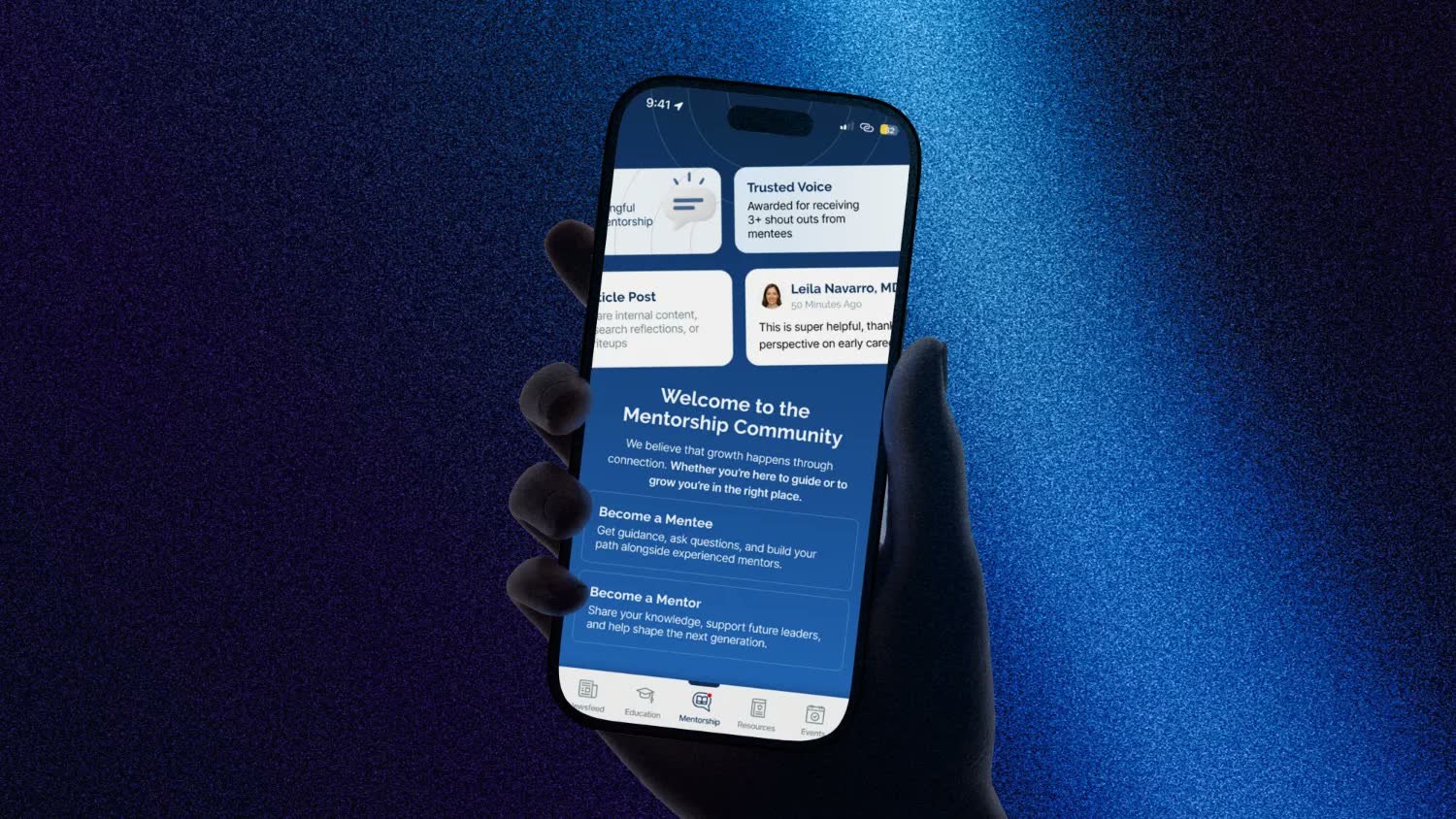
The product
The GHAPP Peer Network is a space in the GHAPP app where peers connect, collaborate and learn from each other: a directory, a questions feed and a shared resource library in one place.
The challenge
Peers learn a great deal from each other, but connecting takes effort:
- Finding someone with the right subspecialty, credentials or location
- Getting a clinical question in front of the people who can answer it
- Keeping discussions easy to follow
- Sharing a useful article, video or link with the wider community
Any solution would need to be simple, efficient and built for everyday practice.


Our approach
FSE Media designed the Peer Network as a community-driven space where connection comes first.
Find people first
A searchable directory with full profiles and direct messaging.
Route questions to expertise
Tags for peers and subspecialties send each question to the right experts.
Keep it light
Thread-style discussions and a paste-a-link resources flow keep everyday use quick.
How it works
Explore the directory
Every peer’s subspecialties, credentials, state and more in one list. Filters narrow the search quickly, and a direct message is one tap away.
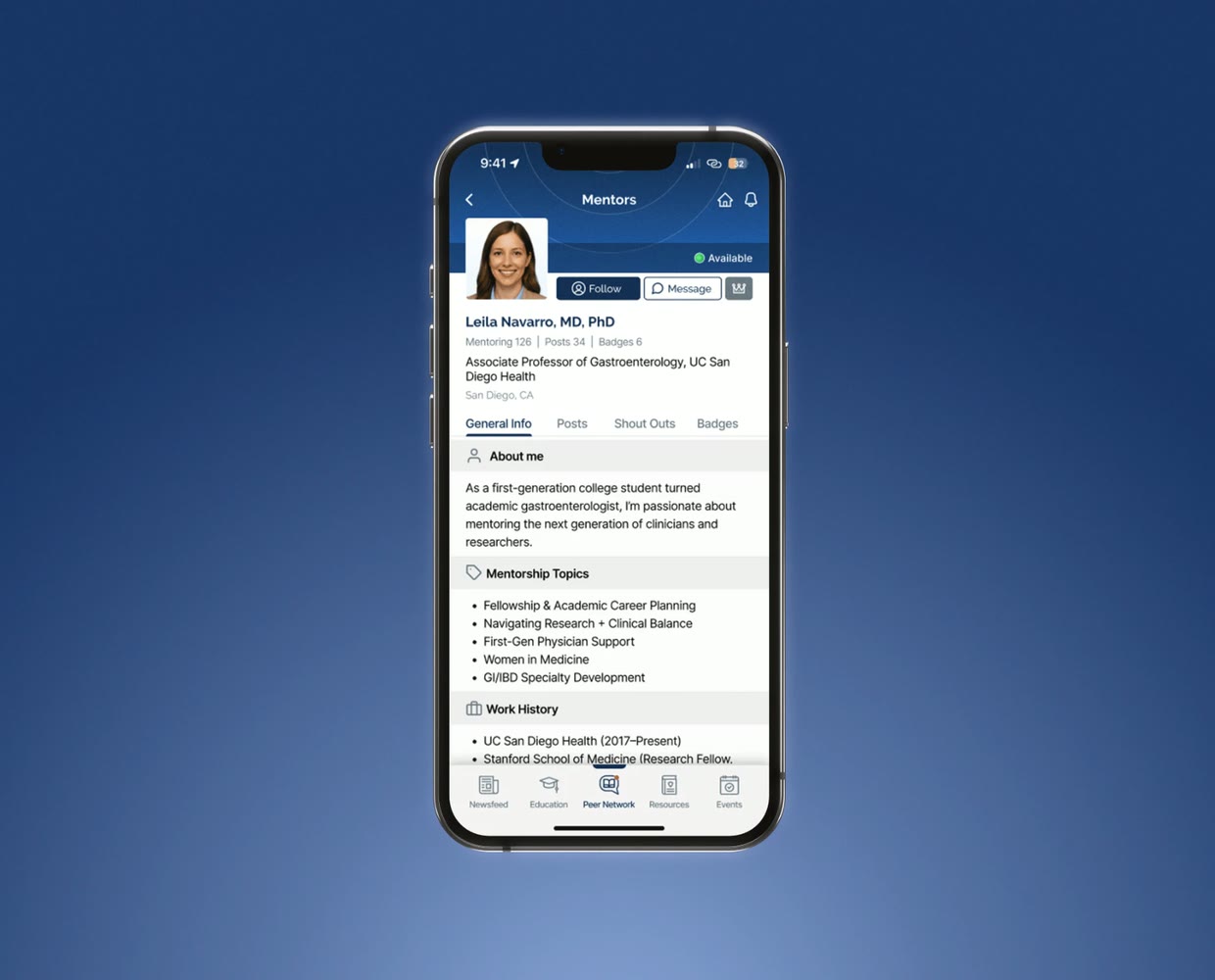
Read full profiles
Each peer has a full profile, so it’s easy to understand their background and expertise before reaching out.
Join the discussion
The Questions section shows discussions from across the network in a clean, thread-style layout that keeps answers easy to follow.
Ask your own question
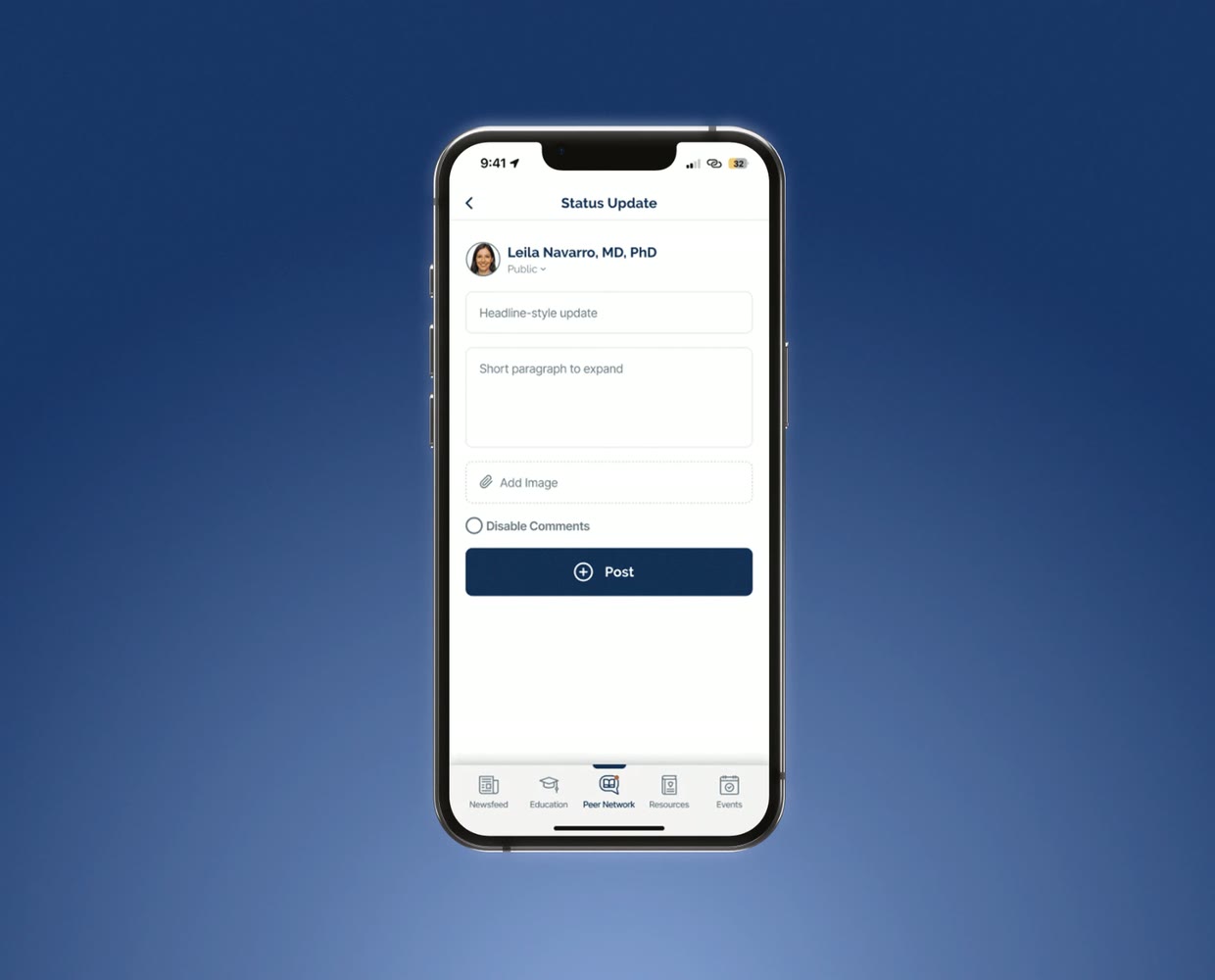
Tap the plus icon, add a title and details, and tag peers or subspecialties so the question reaches the right experts.
Share resources
Paste the link to an article, video or educational resource, choose its subspecialties, and it’s instantly available to peers.
Walkthrough
In this walkthrough
- Explore the directory
- Read full profiles
- Join the discussion
- Ask your own question
- Share resources
At a glance
3 spacesPeer directory, questions and resources
TaggedQuestions reach peers or subspecialties directly
MobileSimple, efficient and built for everyday practice
More case studies
Continue exploring our work

Have a project like this in mind?
Tell us what you want to build or produce. We’ll help you work out what you need and how to get there.